OpenCommunity logo

OpenCommunity

Log in
For community centres & government organizations

Your community,
without the paperwork

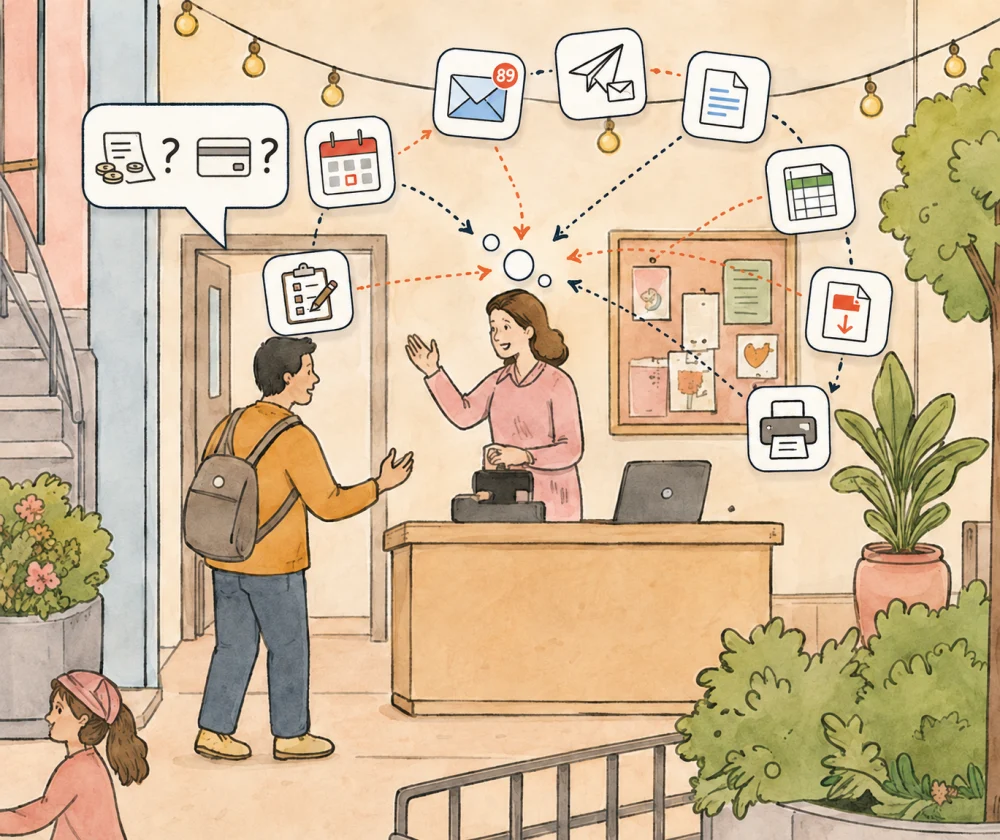
OpenCommunity helps you track program memberships, attendance, scheduling, payment tracking, and more — a purpose-built platform for community hubs, nonprofits, and publicly funded organizations.
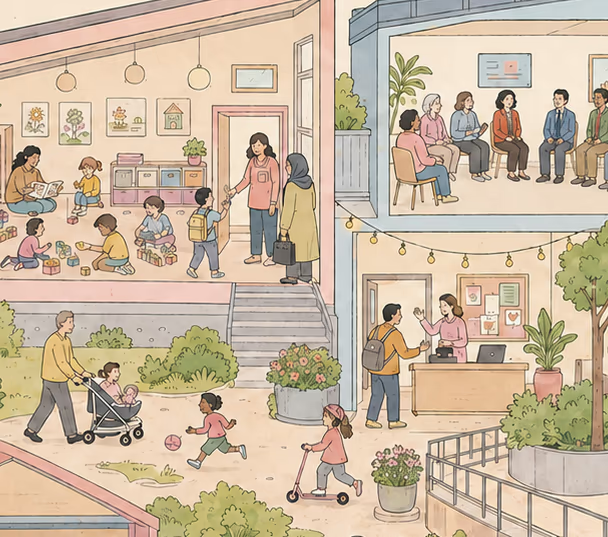
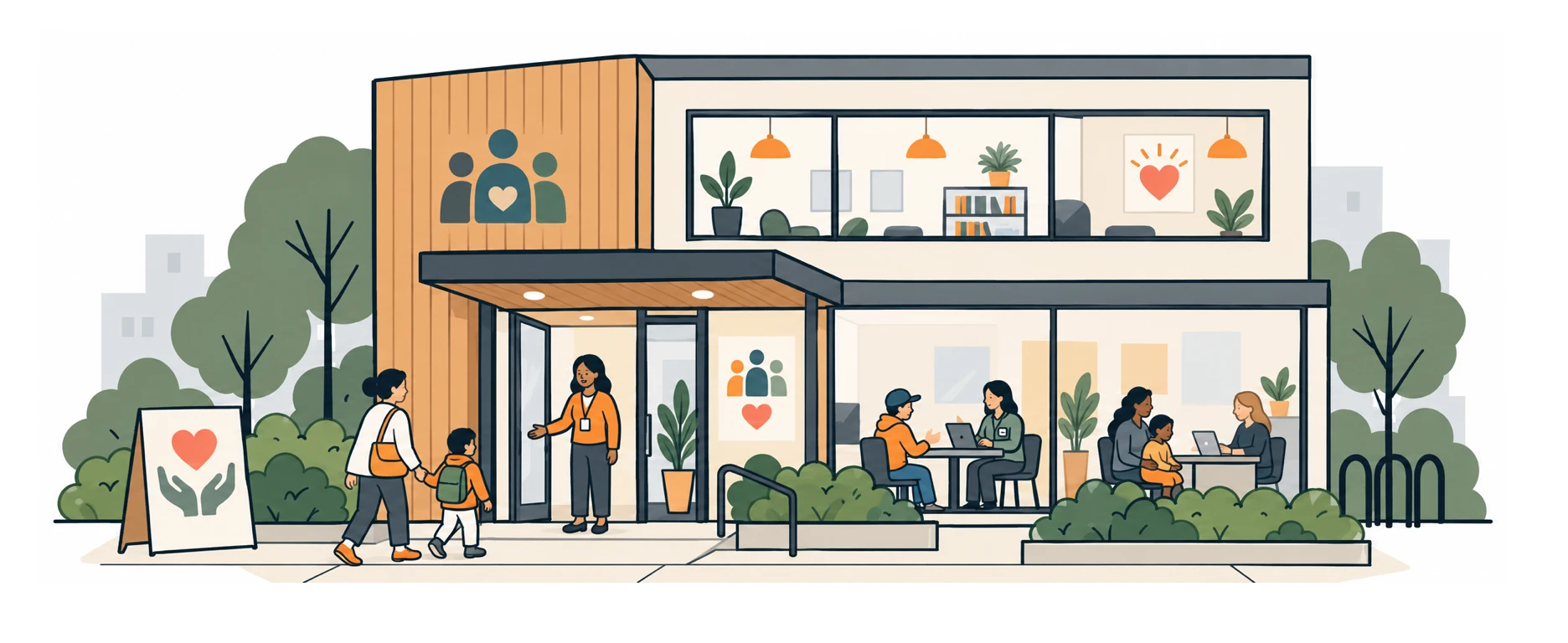
Community members taking part in programs and services at a neighbourhood centre

Made for community organizations across Canada

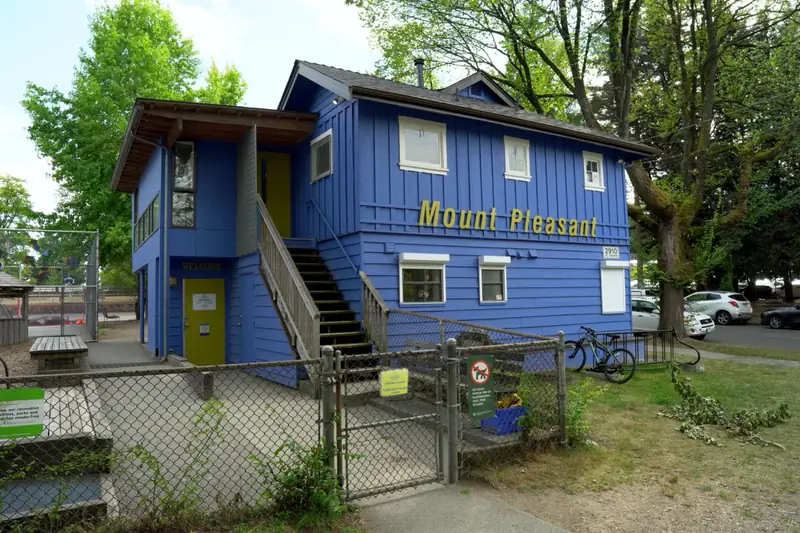
See how Mount Pleasant Family Centre uses it

Built to benefit everyone in the community

Whether you run parent-child drop-ins, language classes, community meals, or seniors' programs, OpenCommunity is one place for all of them.

Front desk

Sign-ins — without the clipboard

Sign in on any tablet with your phone number, or any customizable sign-in data, and check in secured with your PIN: no paper, no manual data entry, no fuss.

Coordinators

Manage programs and participants in one place

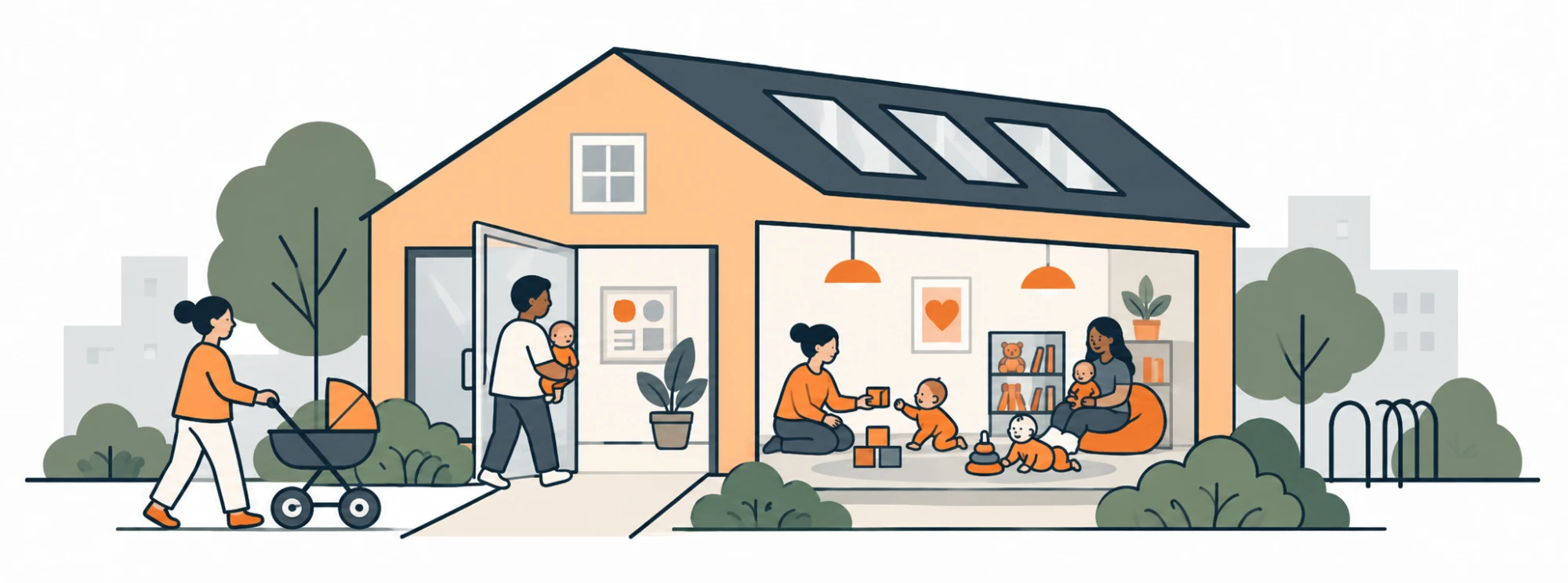
Create recurring drop-ins for any program, such as parenting groups, English conversation classes, newcomer orientations, seniors' lunches, and youth workshops.

Members

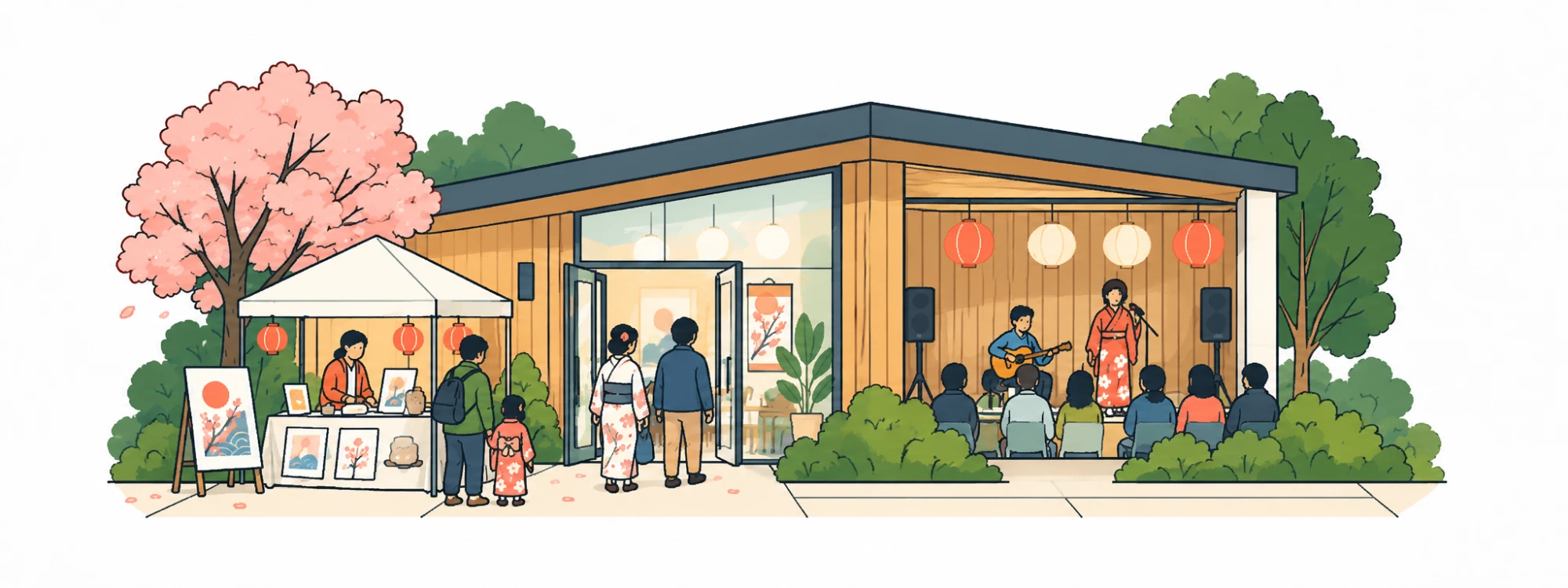
Stay connected to your centre

Members and their family get their own secure portal to view visit history, update contact details, and receive announcements from the centre — no app download required.

Directors

Schedules that generate themselves

Build a program once. Sessions, attendance rosters, and staff allocations fall out of it — ready to report on whenever a funder asks.

How it works

An easy flow from scheduling to reporting

1

Set up your centre

Add your programs, configure your recurring schedules, and invite your team. Our team helps you get set up.

2

Session Sign-Ins

Let participants sign in within seconds via phone number on a tablet, or with a staff member.

3

Easy reporting

Pull your reports. Attendance, unique participants, and program totals are ready whenever a funder, board, or your own team asks.

FAQ

Commonly asked questions

What kinds of organizations is OpenCommunity built for?
Community and family centres, drop-in programs, neighbourhood hubs, and the government and non-profit organizations that fund or run them. If you welcome visitors, run programs, and share information back to your funding partners, OpenCommunity helps.
How does the kiosk sign-in work?
Mount any tablet at reception. Visitors are looked up by phone number (or any sign-in field you choose) and confirm with a personal PIN. Attendance is recorded the moment they sign in — no paper, no manual entry.
Can we run multiple programs at the same time?
Yes. Set up as many recurring drop-ins, groups, and specialist sessions as you need. Schedules generate their own sessions and rosters, and a single visit can be tied to whichever programs apply.
Does OpenCommunity help with grant and funder reporting?
That's the point. Attendance summaries, demographic breakdowns, unique-family counts, and program stats are ready any time, and export in the formats funders and boards ask for.
How is our families' data kept secure?
Every record is access-controlled by role, sign-in is PIN-protected, and data is encrypted in transit and at rest. Staff only see what their role needs.
Where is OpenCommunity's data stored, and is it Canadian?
Data is hosted on Canadian infrastructure to keep your records within Canada and aligned with local privacy expectations.
How does OpenCommunity handle Canadian privacy law?
OpenCommunity is built to align with the Personal Information Protection and Electronic Documents Act (PIPEDA) and British Columbia's Personal Information Protection Act (PIPA). Personal information is collected with consent, kept on Canadian infrastructure, encrypted in transit and at rest, and visible only to the staff roles that need it. Your organization stays the owner of its records.
How does it compare to spreadsheets and paper clipboards?
No re-typing, no version conflicts, no lost sheets. Sign-ins, programs, and reporting share one live record — so the number you report is the number that actually happened.
Can multiple centres or locations use one account?
Yes. Run several centres under one organization, each with its own programs, staff, and kiosk, while rolling reporting up across all of them.
Do parents need to download an app?
No. Families sign in at the kiosk and use a secure web portal for visit history, contact details, and announcements — nothing to install.
OpenCommunity logo

OpenCommunity

Simplicity, purpose-built for local communities.

Product

FeaturesWho it's forHow it worksFAQBlogCustomer stories

© 2026 OpenCommunity

Built with love in Vancouver, BC